Crop & straighten
Frame the shot the way you meant it.
- Aspect presets or a free crop
- Straighten a tilted horizon
- Perspective to square up buildings and documents
- Flip horizontally or vertically
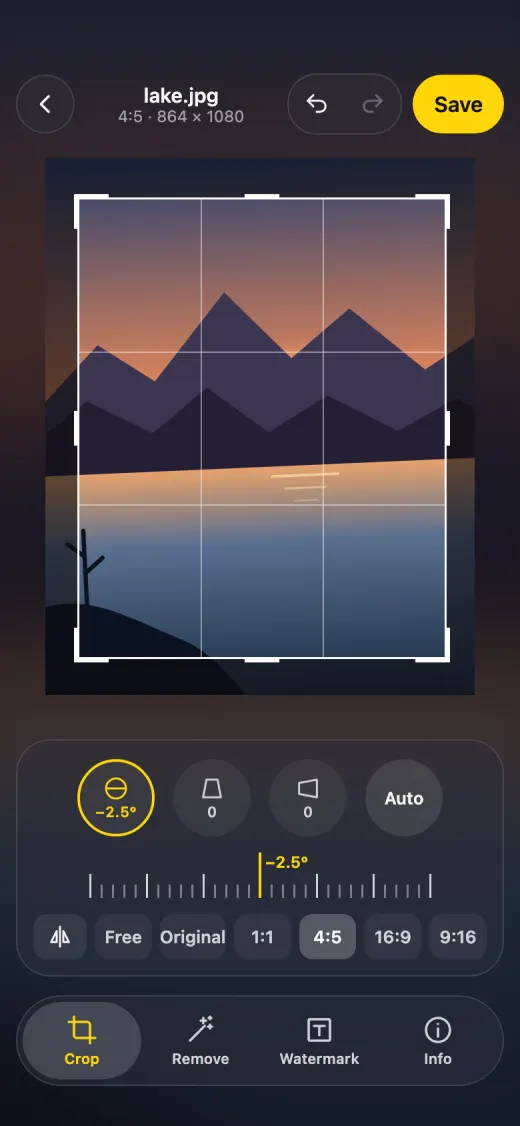

Crop, clean up and watermark your photos and videos — on iPhone, iPad and Mac.
iOS 26 or later · macOS 13 or later · No account, no tracking
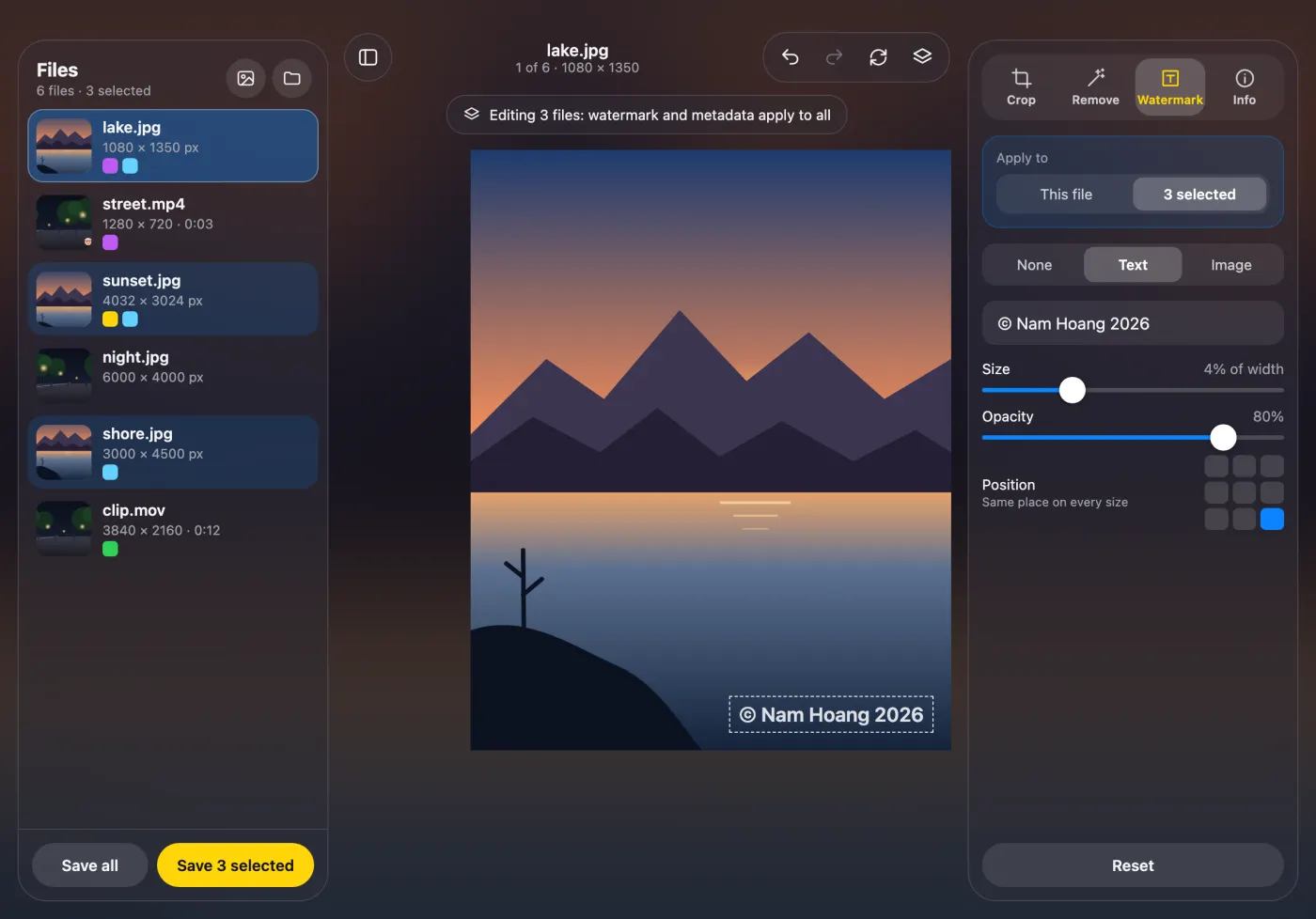
Four tools — Crop, Remove, Watermark and Info — in one quiet editor.
Frame the shot the way you meant it.
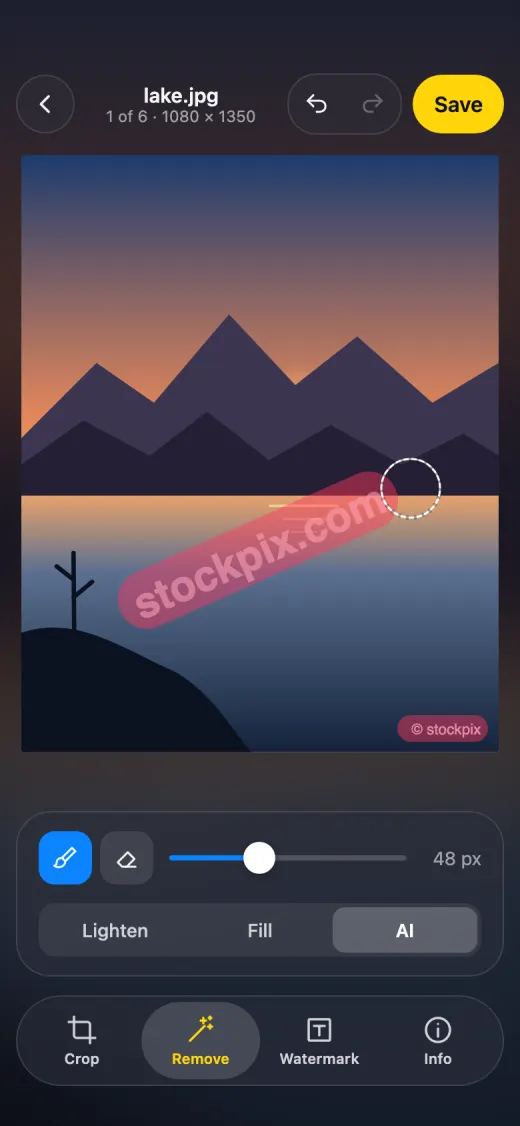
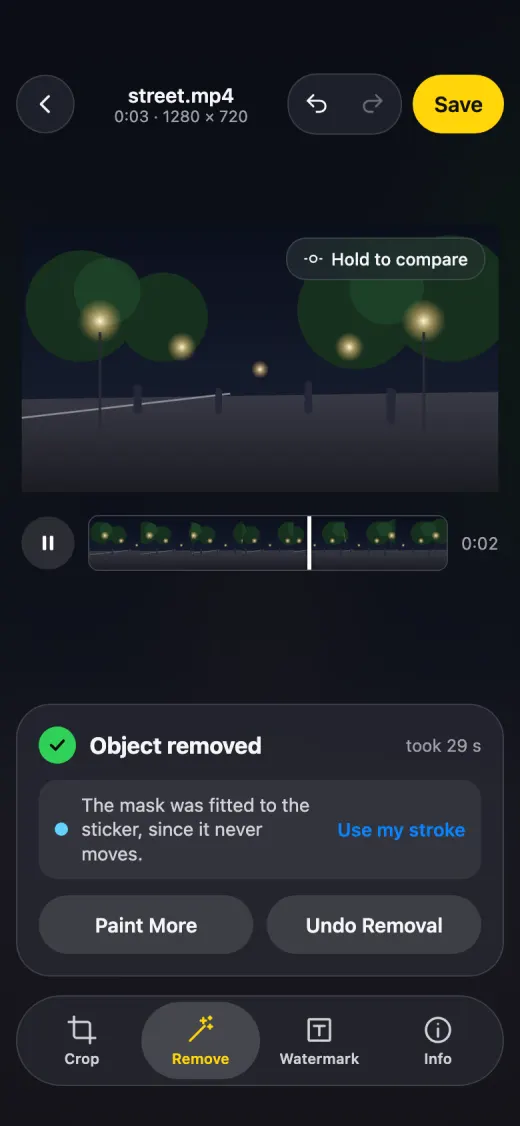
Paint over it and let Framelume clean it up.
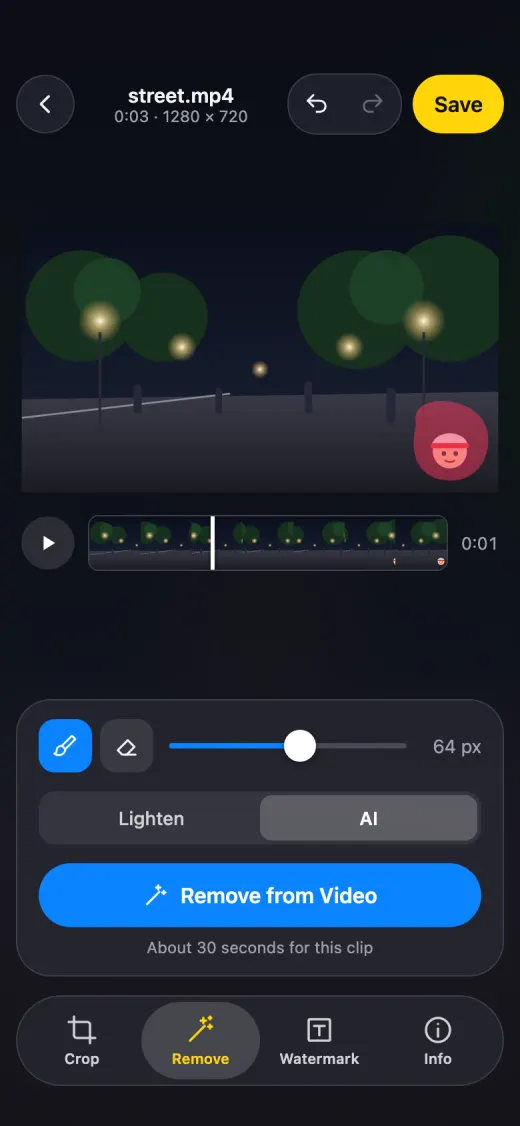
Paint once on a frame and AI removes the object from the whole clip.
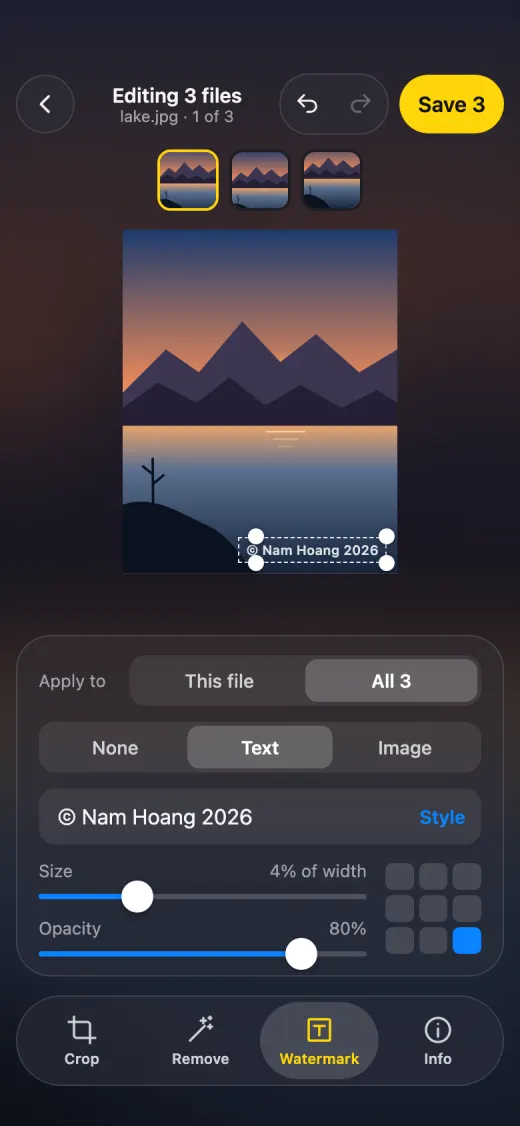
Add a text or image watermark, placed and sized right on the picture. Select several files, apply shared edits to all of them, and save them all in one go.
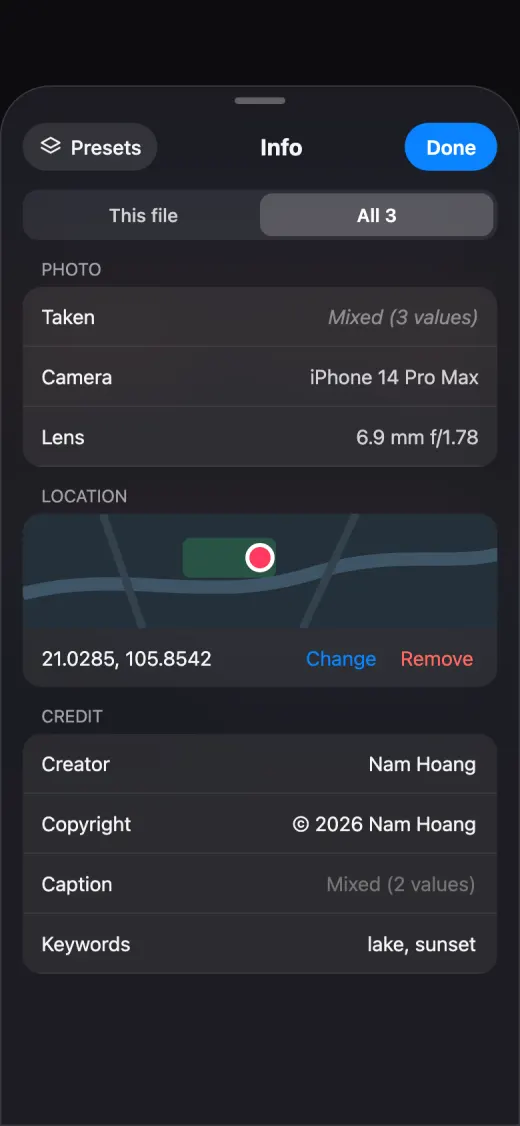
See and edit what a photo says about itself — or strip it before you share.
Use the Share button from another app, pick from Photos, or open from Files.
Save as a new item, or replace the original — and revert it later in Photos if you change your mind.
A three-pane layout like the Mac app, and Apple Pencil for painting precise removals.
Framelume has no account and no servers to send your pictures to.
Cropping, removal — including AI on photos and video — watermarks and metadata edits all happen on your iPhone, iPad or Mac. Photos and videos are never uploaded.
No sign-in, no analytics, no ads, no tracking SDKs, no crash reporting. Framelume collects no personal data.
The AI removal model (about 196 MB) downloads only when you tap to get it, and then stays on your device.
Keep, edit or strip location and camera data. Whatever you keep stays in the exported file only.
Yes. The Mac app is free on GitHub, and the iPhone and iPad app is coming to the App Store.
No. All editing, including AI removal, runs on your device. Nothing is sent to us.
The AI removal model is about 196 MB, so it isn't bundled with the app. It's a one-time, optional download that you start yourself; Lighten and Fill work without it.
In Photos — as a new item, or replacing the original. A replaced original can be reverted in Photos.
iPhone and iPad with iOS 26 or later, and Mac with macOS 13 or later.
AI object removal on iPhone and iPad works on clips up to 60 seconds, up to 4K.
More answers on the Support page.
Free, private, and no account needed.